Description
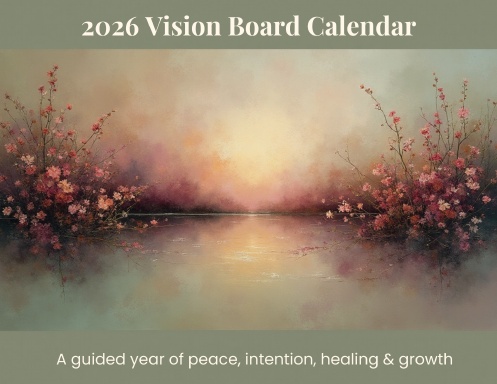
The Vision Board Calendar – Digital Editable Edition was created as a calm, intentional space to help you move through the year with clarity, focus, and purpose.
This digital calendar blends monthly vision board pages, calendar layouts, and guided reflection into one cohesive experience—allowing you to connect your intentions with your daily life, one month at a time.
Each month invites you to pause, reflect, and realign. Whether you’re visualizing what you’re working toward, setting intentions, or simply creating space to be present, this calendar supports intentional living without pressure.
Designed with simplicity and flexibility in mind, this digital edition works beautifully across devices and can be used in the way that feels most natural to you.
📖 What’s Included
-
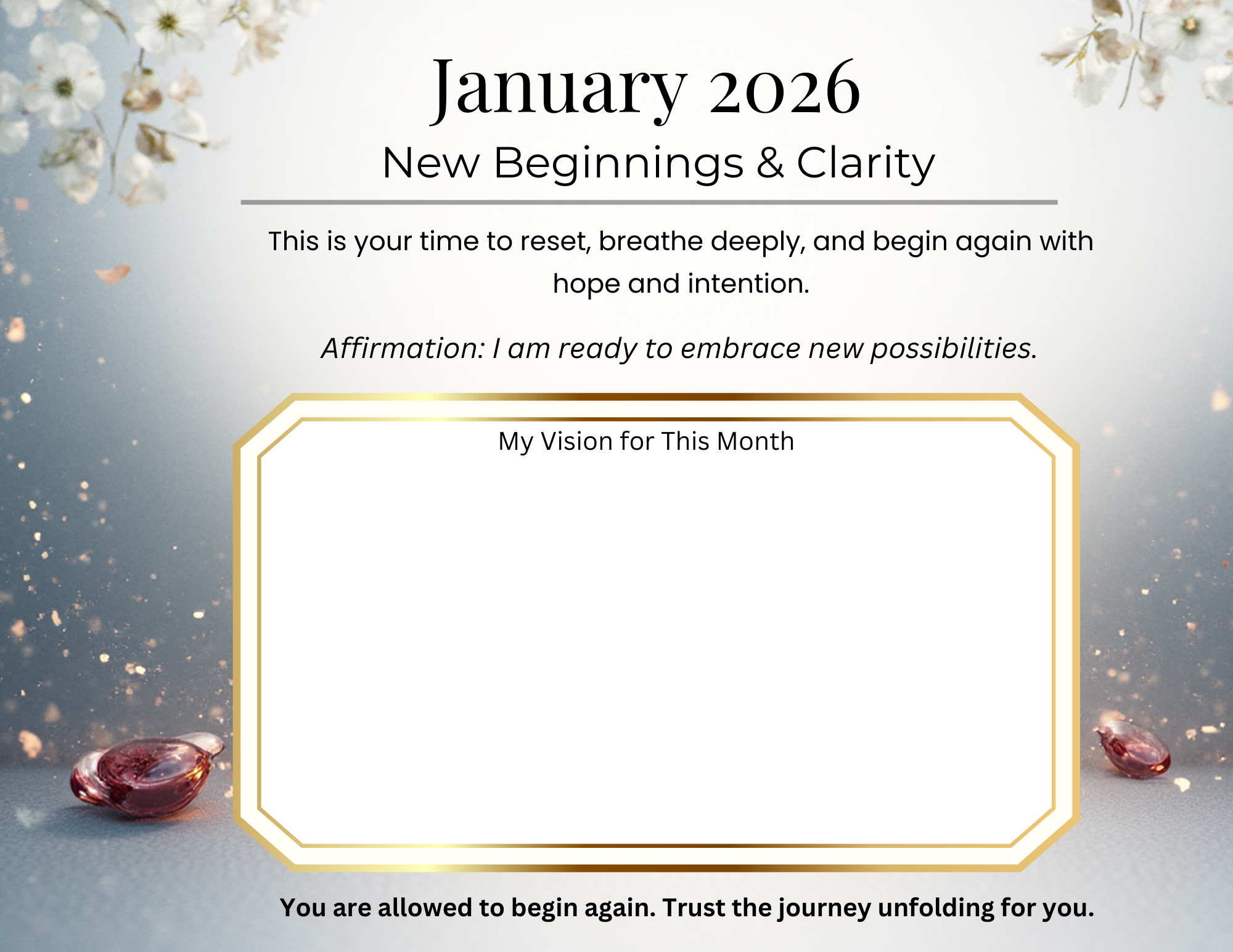
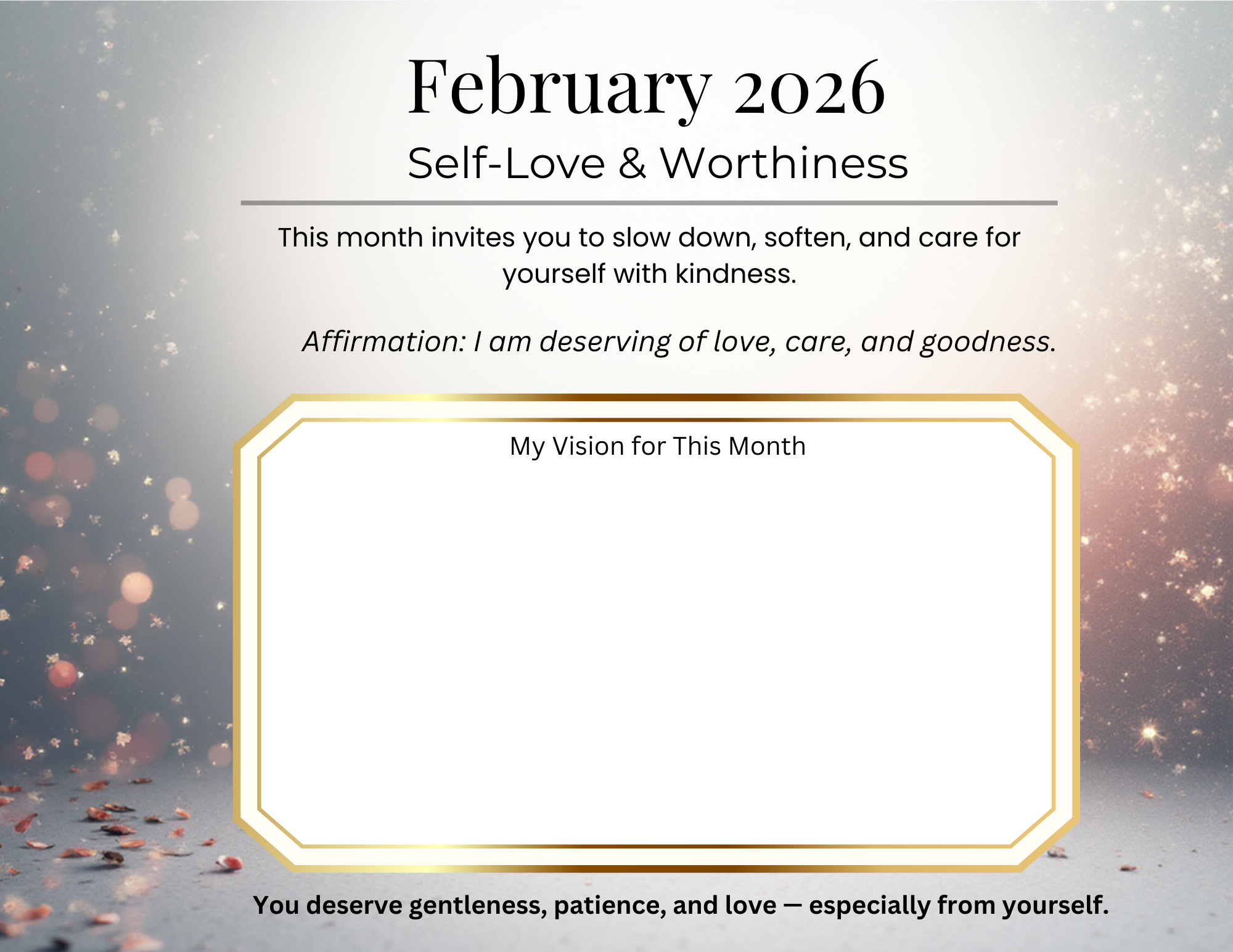
Monthly vision board pages (January–December)
-
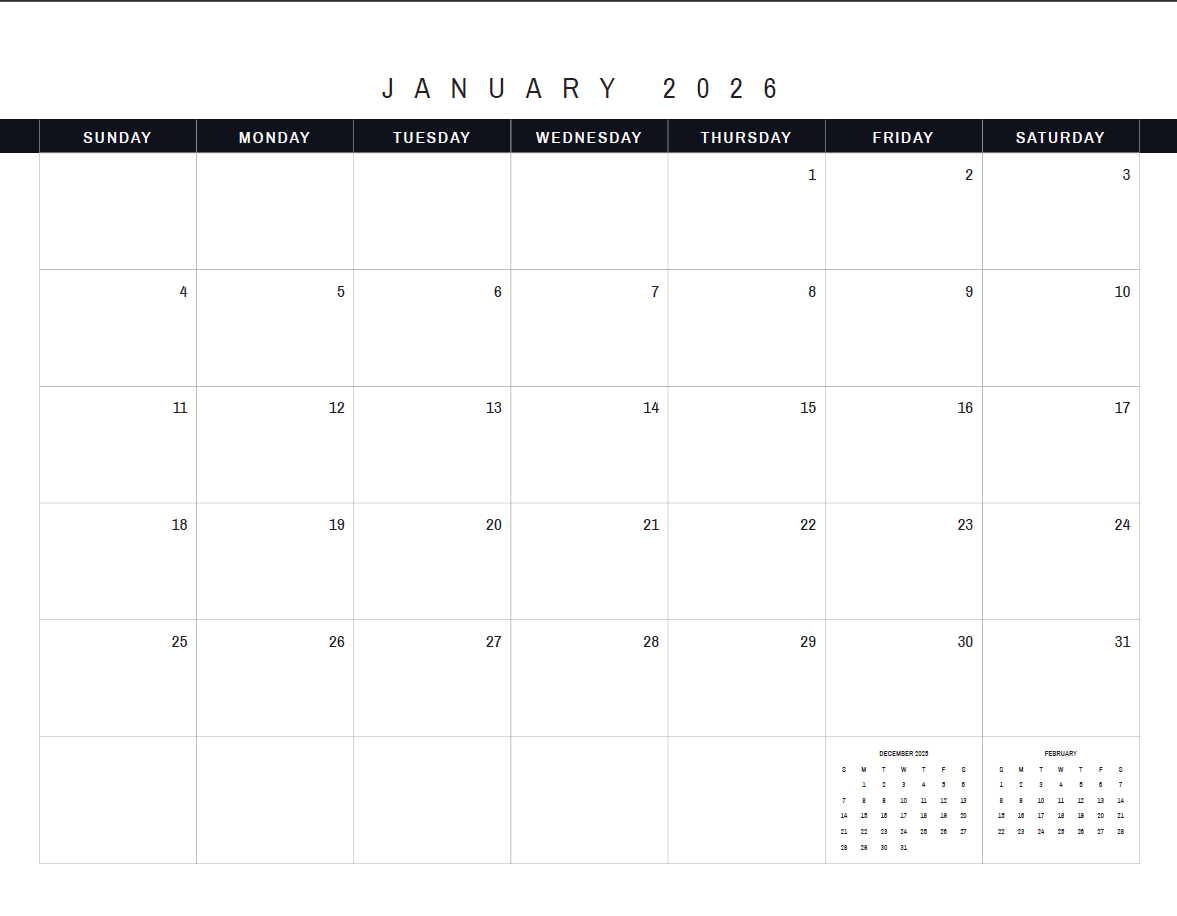
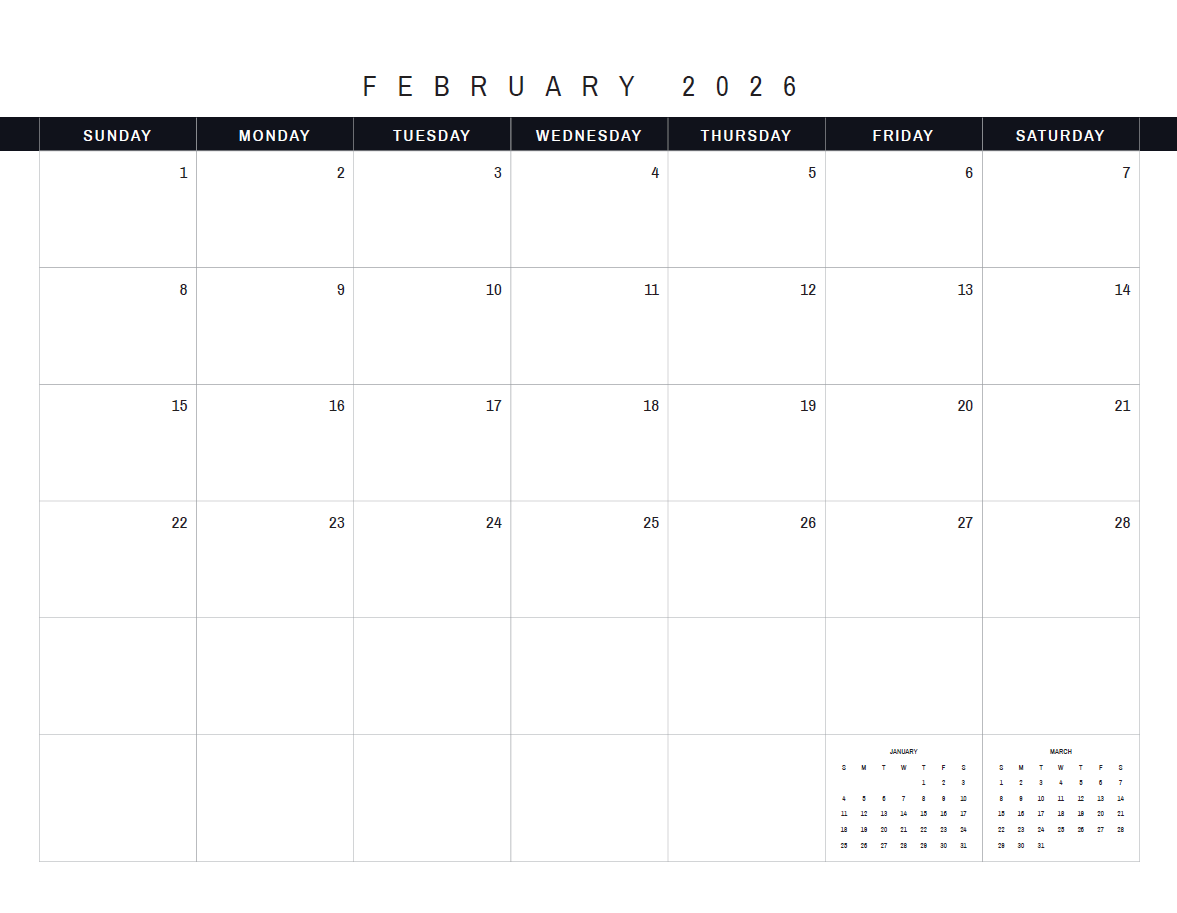
Monthly calendar layouts
-
Monthly intention and reflection pages
-
A thoughtfully structured digital PDF designed for ease and clarity
🖥 How to Use
This digital calendar includes editable text fields “My Vision for This Month” sections so you can type directly into each month using a PDF reader. The calendar grid is static for a clean, print-ready layout.
💻 Works great on desktop/laptop (Canva, Google Slides, Adobe).
📱 iPad users? Yes! Edit with GoodNotes, Notability, or Adobe Acrobat — just tap & type. (Some apps may require “annotate” mode — test first!)
Note: Only the ‘My Vision for This Month’ box is editable. Works best on desktop/laptop. iPad users: try GoodNotes or Adobe Acrobat. iPhone/Android: may require Adobe Acrobat or similar PDF editor. Always test before printing!”
📌 Format & Details
-
Format: Editable / Fillable Digital PDF
-
Use: Desktop, laptop, or printable.
🌸 Why You’ll Love It
-
Encourages intentional monthly focus without overwhelm
-
Combines vision, planning, and reflection in one place
-
Clean, calming design that supports mindfulness and clarity
-
Flexible for digital or printed use
-
supportive companion for intentional, purpose-driven living
Prefer a printed, spiral bound edition you can write in and display?
View the spiral-bound print edition here.”
FAQ
Q: Can I edit this on my iPad?
A: Yes! Use apps like GoodNotes, Notability, or Adobe Acrobat. Make sure you’re in “annotate” or “edit text” mode. If editing doesn’t work, you can always print it out or use it as a visual guide.
📥 Digital Download Notice
This is a digital product. No physical item will be shipped. Due to the nature of digital downloads, all sales are final.
For the best editing experience on all devices, we recommend opening the file in a PDF reader such as Adobe Acrobat Reader. Some browsers may display the file in read-only mode.


Reviews
There are no reviews yet.